

Wireless You Can Bank On.
Cut site visits by up to 30% and get 50x faster time to resolution with DPL’s AI powered portfolio management platform featuring advanced remote monitoring and management (RMM) capabilities.

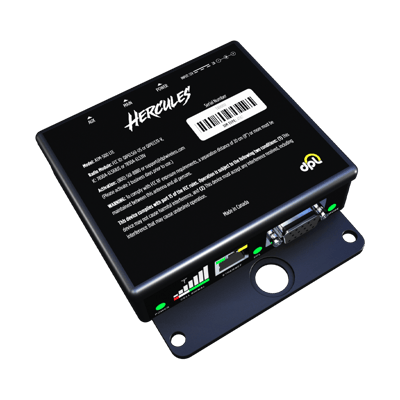
Hercules Modems
Secure. Reliable. Built to last.
Designed and engineered by us, Hercules modems are known for their reliability. Backed by a 5 year warranty and protected by a solid metal enclosure, Hercules modems are designed to work in the field for 10 plus years. In a recent head-to-head field trial, Hercules modems performed 9X better than the competition.



Your New Virtual Technician
Hercules AI minimizes downtime by auto healing common errors and streamlining operations to improve efficiency.
End-to-end Managed IoT Service.
DPL manages customers' data from the time it leaves their IoT device to the time it reaches its end-point. DPL’s support team is available 24x7x365. It's like having a trusted friend who never sleeps and is never more than a phone call away. Your problems are our problems.

RMS Minus the Cost And Complexity
Level the playing field with an all-in-one portfolio management platform.
Gain the edge you need to succeed with RMS for your entire fleet - regardless of manufacturer or wireless device. Included with every Hercules modem and setup in minutes.

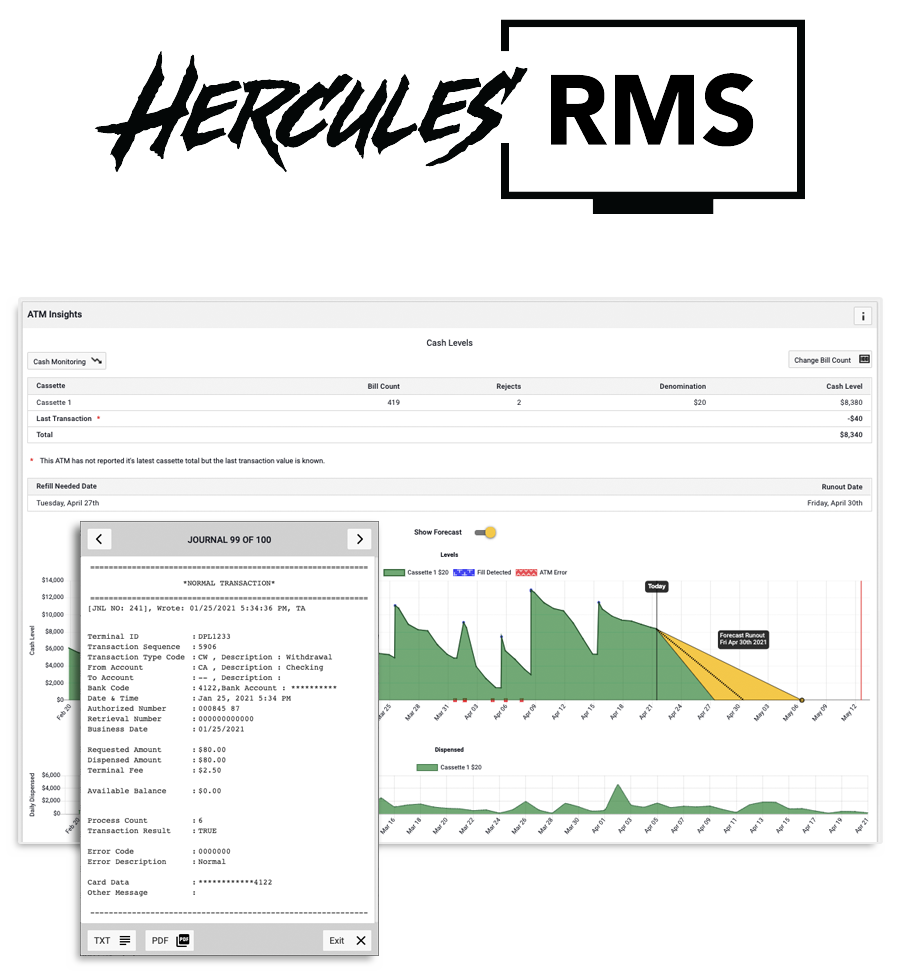
Hercules Portal
Remote Management on Steroids
DPL's Hercules portal is loaded with standard features including RMS functionality, giving you the ability to remotely manage and monitor IoT devices like never before!

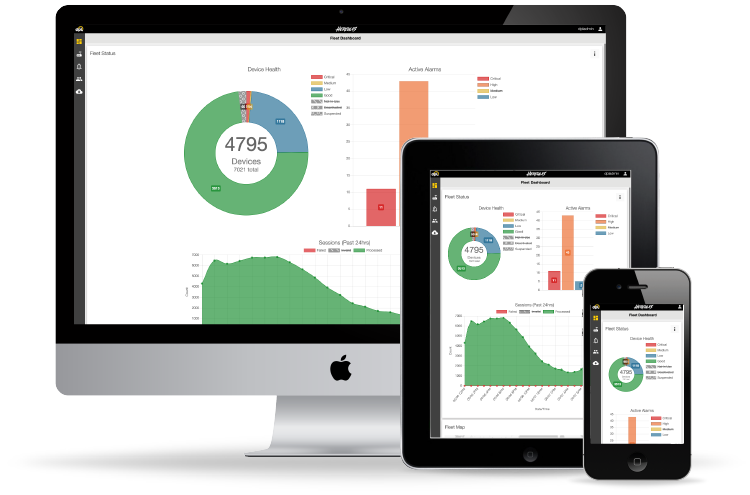
Wireless & Beyond
How much value can the Hercules platform add to your business?

Security
Protect your assets from physical and logical attacks.
DPL offers a range of security accessories and stand alone devices that detect attacks as they're happening and allow you to remotely take action to recover your assets and help local law enforcement catch those responsible.

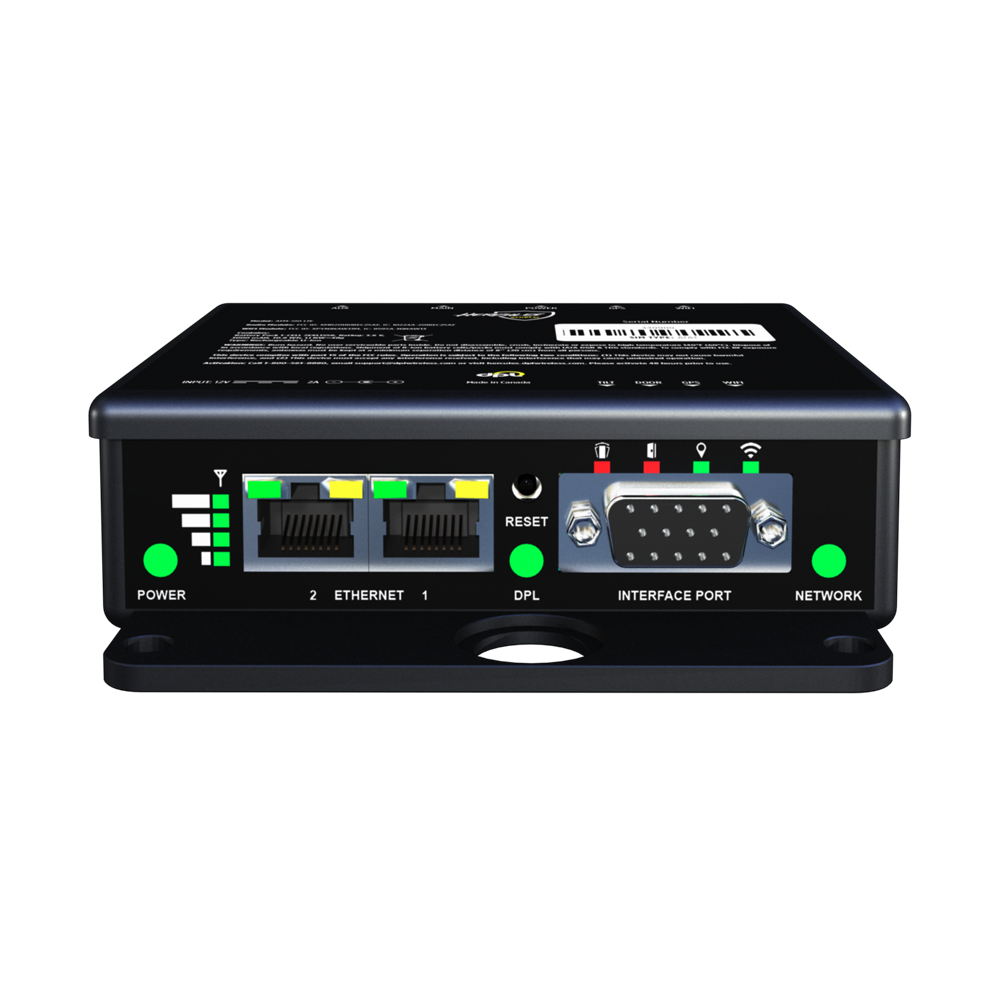
Remote Restart
Restart your assets from anywhere.
Unlike RMS solutions, the Restart enables you to remotely reboot IoT devices even if their operating system is frozen.


Tired of unreliable wireless at your BTMs?
Get consistent, reliable connectivity with the Hercules wireless platform.
Ideal for fringe areas and high volume locations requiring high network availability and redundancy.


Titan Fleet Management
Built tough for heavy equipment and off road vehicles.
Real-time alerts for critical issues impacting your business so you can take immediate action.
